Are you tired of data bundles vanishing into thin air just when you are in the middle of streaming your favorite show, downloading files, or closing an important business deal? We hear you loud and clear. High data costs shouldn't stop you from staying connected with friends, family, and your online business in 2026.
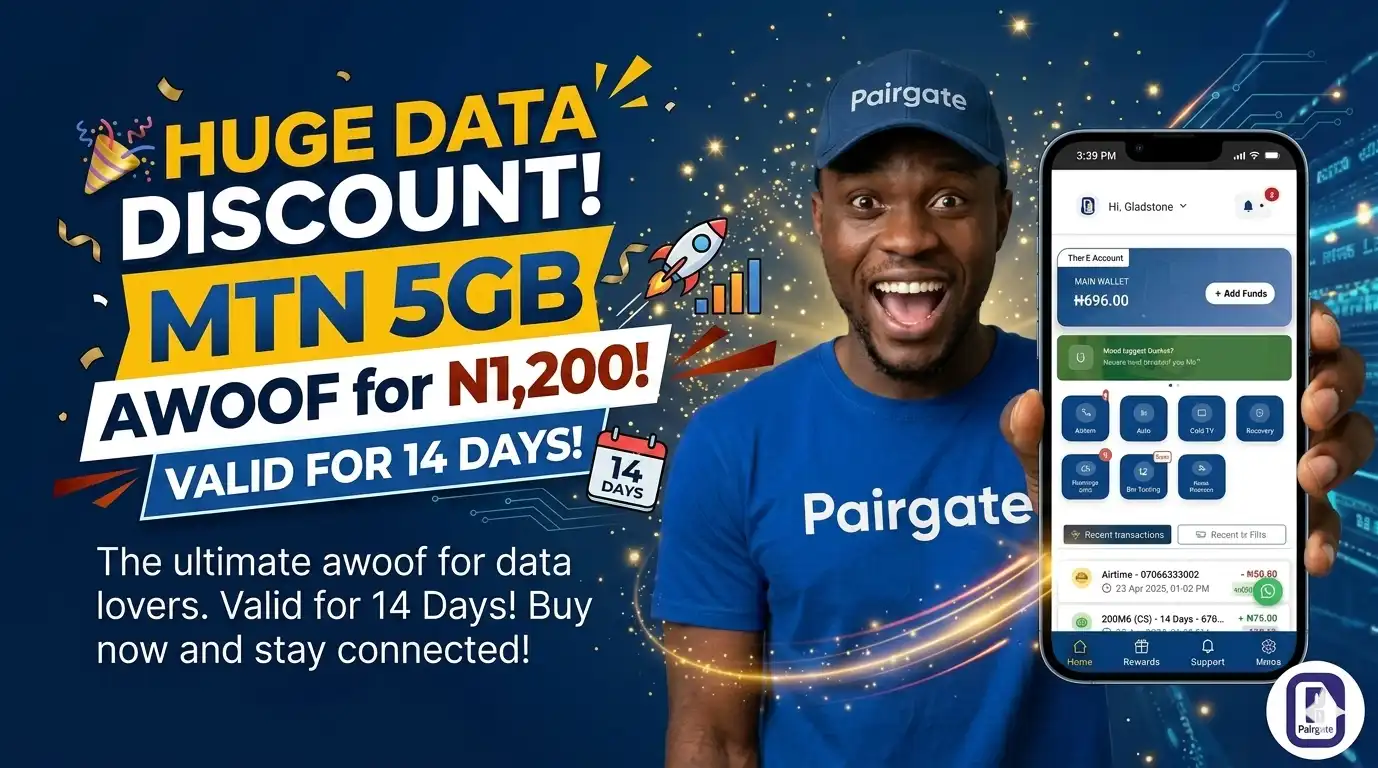
We have rolled out a massive deal specifically for our data lovers across Nigeria. You can now get a whopping MTN 5GB AWOOF data bundle for just ₦1,200, and it stays active for 14 solid days. There are no hidden fees or delayed activations—just superfast, reliable data hitting your device in less than 10 seconds.
Whether you need this data for personal use or you want to resell it to customers for a sweet profit, Pairgate makes the entire process seamless. This bundle easily ranks among the
Let’s walk you through the simple steps to claim this offer on your dashboard right now.
Step 1: Log In and Fund Your Wallet
[IMAGE: Screenshot of the Pairgate user dashboard highlighting the "Fund Wallet" button and virtual bank account details]
Log into your account at the
Step 2: Navigate to the Data Purchase Section
Once your wallet shows your funded balance, head back to the main dashboard menu. Look through the available automated bills and utility services, and click on the "Buy Data" option to open the data ordering form.
Step 3: Select MTN as Your Network Provider
On the data purchase page, you will see a dropdown field for network providers. Click on it and select "MTN" as your desired network to load the specific data packages available for MTN users.
Step 4: Choose the Awoof Category and Complete Your Order
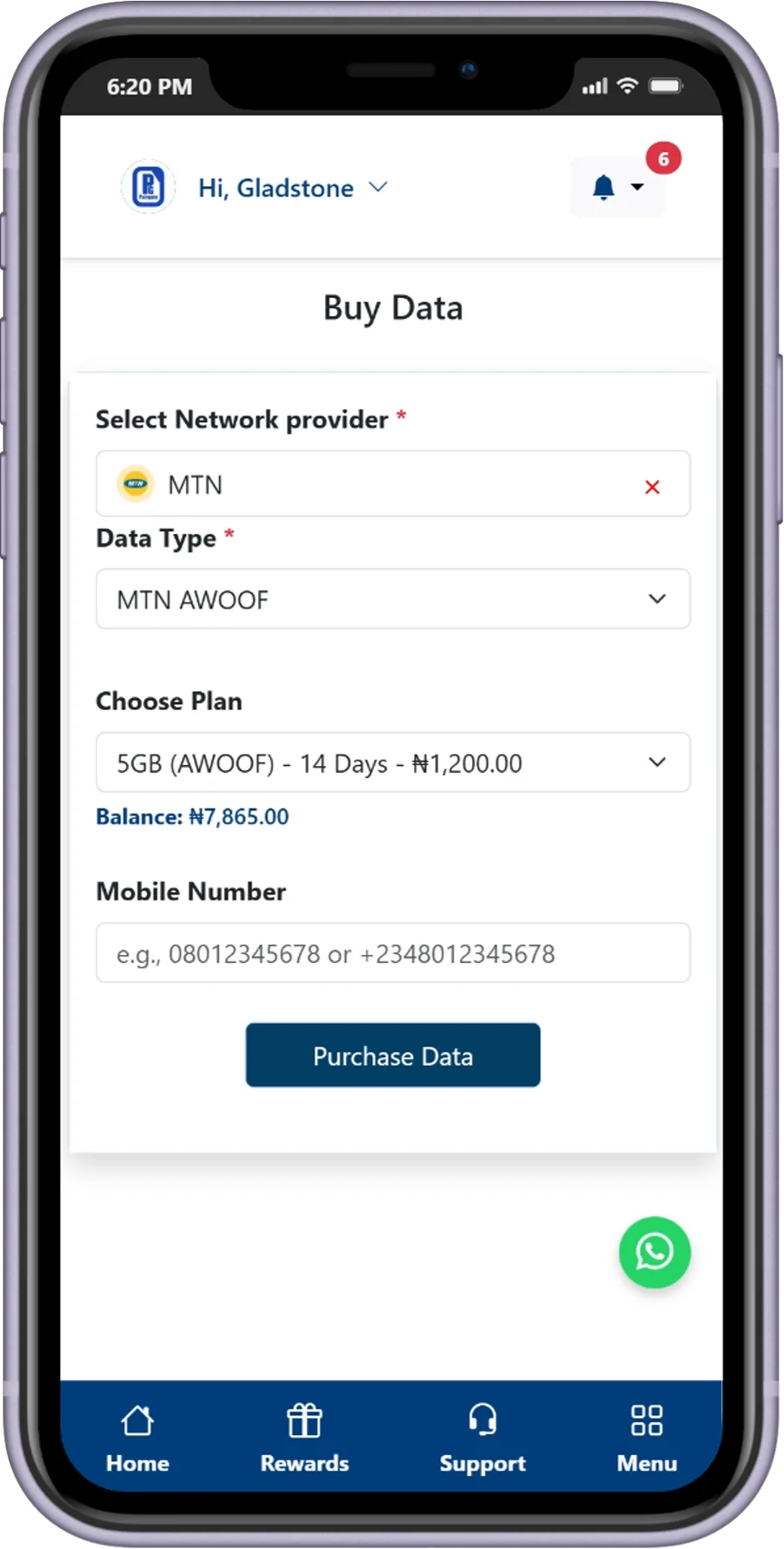
Under the data plan types or categories dropdown, select "AWOOF". Choose the "5GB for ₦1,200 (14 Days)" plan, accurately type in the recipient's phone number, and click on "Submit" to confirm your transaction.
💡 Pro Tip: This cheap data package is an absolute goldmine if you want to make money online. You can easily advertise this plan to your contacts and learn
to start pocketing daily profits as a data reseller. how to sell data on WhatsApp Status